Free Subnet Calculators Compared
Compare free subnet calculators including My IP Help, Calculator.net, and MXToolbox on features, IPv6 support, and usability.
Chapters
Chapters
Subnet calculation is a fundamental networking skill, and online calculators make it accessible to administrators, students, and engineers who need quick answers without manual binary math. Several free subnet calculators are available online, each with different features, interfaces, and levels of detail. This comparison evaluates the top free subnet calculator tools to help you find the one that best fits your network planning and troubleshooting workflow, whether you are subnetting a small office network or designing a large enterprise addressing scheme.
Overview: What Do Subnet Calculators Do?
A subnet calculator takes an IP address and subnet mask (or CIDR notation) and computes the network address, broadcast address, usable host range, number of available hosts, and other subnetting details. Advanced calculators also handle VLSM (Variable Length Subnet Masking), IPv6 subnetting, and visual representations of address space allocation. These tools eliminate the error-prone process of manual binary-to-decimal conversion and make network planning faster and more reliable. The fundamentals of IP subnetting are defined in RFC 4632 (Classless Inter-Domain Routing), which replaced the original classful addressing model with the CIDR system all modern subnet calculators use.
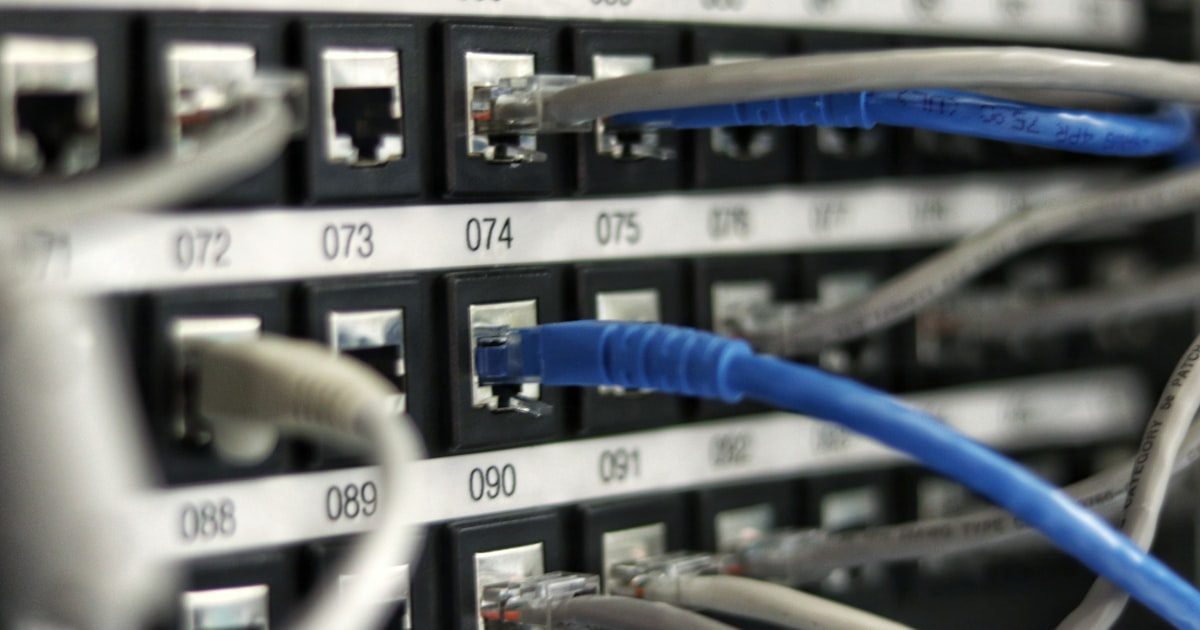
The tools compared here include My IP Help’s Subnet Calculator, SubnetOnline.com, Calculator.net’s Subnet Calculator, Site24x7’s Subnet Calculator, and the classic SolarWinds Subnet Calculator. Each approaches the problem with a different balance of simplicity, depth, and additional features.
Feature Comparison
| Feature | My IP Help | SubnetOnline.com | Calculator.net | Site24x7 | SolarWinds (Free) |
|---|---|---|---|---|---|
| IPv4 Subnetting | Yes | Yes | Yes | Yes | Yes |
| IPv6 Subnetting | Yes | No | No | Yes | No |
| CIDR Notation | Yes | Yes | Yes | Yes | Yes |
| VLSM Support | Yes | Limited | No | No | Yes |
| Wildcard Mask | Yes | Yes | Yes | Yes | Yes |
| Binary Display | Yes | Yes | No | No | No |
| Supernetting | Yes | No | No | No | Yes |
| Additional Network Tools | 20+ (DNS, WHOIS, port scan, etc.) | Limited | None | Multiple IT tools | Multiple (paid suite) |
| IP Geolocation | Built-in with threat detection | Not available | Not available | Not available | Not available |
| Account Required | No | No | No | No | Yes (for download) |
| Ads | Minimal | Display ads | Display ads | Minimal | None (desktop app) |
Key Differences
IPv6 and Modern Protocol Support
As IPv6 adoption continues to grow, subnet calculators that support both protocols are increasingly important. My IP Help and Site24x7 both handle IPv6 subnetting, while SubnetOnline.com, Calculator.net, and SolarWinds’ free tool remain IPv4-only. For organizations planning or managing dual-stack deployments, having a calculator that handles both protocols in one interface eliminates the need to switch between tools. My IP Help’s subnet calculator processes IPv6 prefix lengths and calculates address ranges for the much larger IPv6 address space, making it practical for modern network planning. The IPv6 Addressing Architecture (RFC 4291) defines the subnetting conventions that these tools implement.
VLSM and Advanced Subnetting
Variable Length Subnet Masking allows network administrators to allocate differently sized subnets within the same network, optimizing address space usage. My IP Help and SolarWinds support VLSM calculations, which is essential for enterprise network design where departments require different numbers of host addresses. SubnetOnline.com offers limited VLSM support, while Calculator.net and Site24x7 focus on simple single-subnet calculations. If your work involves designing multi-subnet networks with efficient address allocation, VLSM support is a must-have feature. For simple one-off calculations (e.g., “How many hosts fit in a /24?”), any of these tools works fine.
Integration with Network Tools
My IP Help distinguishes itself by placing the subnet calculator within a broader ecosystem of network tools. After calculating your subnets, you can immediately run DNS lookups on hosts within those ranges, check for open ports, look up WHOIS data for the network block, or trace routes to specific addresses. This integrated workflow is particularly valuable during network troubleshooting when you need to move fluidly between subnetting calculations and diagnostic tests. The other tools are standalone calculators that do one thing well but require you to switch to a different website for any follow-up tasks. Site24x7 offers some additional monitoring tools but as part of a paid suite. SolarWinds’ free calculator is a desktop application rather than a web tool, which limits accessibility.
The learning curve also varies between tools. Calculator.net offers the simplest interface, making it ideal for students or anyone doing quick one-off calculations. SubnetOnline.com and My IP Help show binary representations that help users understand the underlying math, which is valuable for networking students and certification exam preparation. SolarWinds’ desktop app has the steepest learning curve but offers the most powerful VLSM planning for enterprise environments. For most everyday subnetting needs, any web-based calculator works well, but the choice depends on whether you prioritize simplicity, educational value, or advanced features. The Cisco IP addressing guide remains an excellent reference for understanding how subnetting applies in real-world network configurations.
When to Use Each Tool
Choose My IP Help’s Subnet Calculator when:
- You need IPv4 and IPv6 subnetting in one tool
- VLSM planning is part of your network design
- You want subnet calculation alongside DNS, WHOIS, and other network tools
- You want binary representation and wildcard masks displayed
- You need to look up IP geolocation or threat data for addresses in your subnets
Choose SubnetOnline.com when:
- You want a focused IPv4 subnet calculator with binary display
- You need a quick, no-frills calculation for a simple subnetting question
Choose Calculator.net when:
- You want the simplest possible interface for basic IPv4 subnetting
- You prefer Calculator.net’s familiar layout from using their other calculators
Choose Site24x7 when:
- You already use Site24x7’s monitoring suite and want an integrated experience
- You need IPv6 subnetting without the additional network diagnostic tools
Choose SolarWinds Free Subnet Calculator when:
- You prefer a desktop application over a web-based tool
- You need enterprise-grade VLSM planning in a downloadable format
Frequently Asked Questions
What is the most accurate subnet calculator?
All reputable subnet calculators produce the same mathematical results because subnetting follows strict binary rules. The difference is in features (IPv6 support, VLSM, binary display) and usability, not accuracy. Any tool in this comparison will give you correct subnet calculations.
Do I need an account to use these tools?
My IP Help, SubnetOnline.com, Calculator.net, and Site24x7 all offer free web-based subnet calculators without requiring an account. SolarWinds requires a registration to download their desktop application. For instant access, web-based tools are more convenient.
Which calculator supports IPv6?
My IP Help and Site24x7 support IPv6 subnetting. SubnetOnline.com, Calculator.net, and SolarWinds’ free tool are limited to IPv4. As IPv6 adoption grows, having a calculator that handles both protocols becomes increasingly important for network planning.
What is VLSM and why does it matter?
VLSM (Variable Length Subnet Masking) lets you divide a network into subnets of different sizes, rather than using a uniform subnet mask throughout. This optimizes address space usage by allocating exactly the right number of addresses to each subnet. My IP Help and SolarWinds support VLSM calculations.
Can I use My IP Help’s calculator alongside other network tools?
Yes. My IP Help’s subnet calculator is part of a suite of over 20 free network tools. After calculating your subnets, you can immediately run DNS lookups, port scans, or IP lookups on addresses within those ranges.
What is a wildcard mask and which calculators show it?
A wildcard mask is the inverse of a subnet mask, used in access control lists (ACLs) on routers. For a /24 network, the subnet mask is 255.255.255.0 and the wildcard mask is 0.0.0.255. My IP Help, SubnetOnline.com, Calculator.net, and Site24x7 all display wildcard masks.
Which calculator is best for learning subnetting?
Calculators that display binary representations (like My IP Help and SubnetOnline.com) are most useful for learning because they show how subnet masks work at the bit level. Understanding the binary math behind subnetting makes the concepts stick better than just seeing decimal results.
Are these tools suitable for enterprise network planning?
For quick calculations and small-to-medium network design, all these tools work well. For large enterprise VLSM planning with dozens of subnets, My IP Help and SolarWinds offer the most advanced features. Very large deployments may benefit from dedicated network planning software like SolarWinds’ paid suite.
Can I calculate supernets with these tools?
My IP Help and SolarWinds support supernetting (route aggregation), which combines multiple smaller subnets into a larger summary route. This is useful for simplifying routing tables. The other tools focus on subnet division rather than aggregation.
How do I choose the right subnet size?
Count the number of devices that need IP addresses in each subnet, add room for growth, and choose the smallest subnet that accommodates that number. A subnet calculator will show you exactly how many usable hosts each prefix length provides, making it easy to pick the right size.
Try It Yourself
Calculate your subnets with My IP Help’s free subnet calculator, supporting both IPv4 and IPv6 with VLSM, binary display, and wildcard masks. Then explore our full toolkit: DNS lookup, WHOIS, port checker, and IP lookup with geolocation and threat intelligence. All tools are free, no account required.
Create your free account
Get access to IP lookup tools, bulk reports, and more. Free forever.